Edit Your Channel Settings
Onboarding Level 1
Videos - 1/26

4:55
Edit Your Channel Settings
08/24/2023
2

6:44
Manage Your Chatroom
08/24/2023
3

4:38
Adding Bios for Speakers, Keynote, and Artists
12/01/2023
4

5:31
Manage Categories and Feeds
12/01/2023
5

3:33
Manage Outputs and Devices
12/01/2023
6

3:04
Overview of the Player-Only Layout
12/01/2023
7

7:01
Overview of the Slate Layout
12/01/2023
8

6:53
Overview of the Collection Layout
12/01/2023
9

7:01
Add Registration/Authentication to a Channel
12/01/2023
10

6:10
Set Up Simulated Live
12/01/2023
11

7:52
Set Up Advanced SimLive (SimLive to Social Media)
12/01/2023
12

3:39
Customize the Channel Player for an Event
12/01/2023
13

4:07
Basic Troubleshooting
12/01/2023
14
2:15
Control Panel Overview
01/26/2026
15
1:55
Live Streaming Overview
01/26/2026
16

1:15
Devices
01/26/2026
17
1:31
Outputs
01/26/2026
18
1:27
Templates
01/26/2026
19
2:00
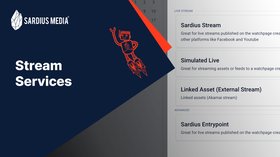
Stream Services
01/26/2026
20

3:15
Create a Channel
01/26/2026
21
4:12
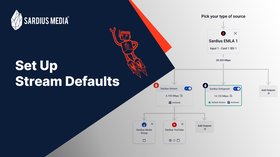
Stream Defaults
01/26/2026
22
5:00
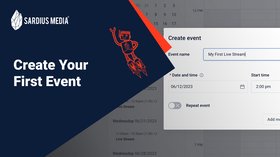
Create Your First Event
01/26/2026
23
3:04
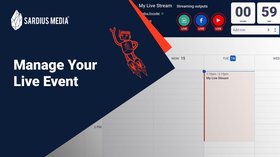
Manage Your Live Event
01/26/2026
24
4:42
Add Your Team Members
01/26/2026
25
6:33
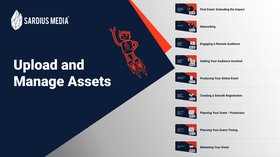
Upload and Manage Assets
01/26/2026
26
3:57
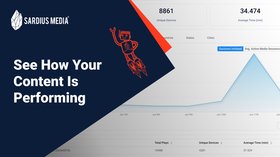
See How Your Content Is Performing
01/26/2026